
You are at a digital crossroads. You need a website, but not just any website. You want a robust, scalable platform that represents your brand with excellence. In your research, two giants have emerged: Webflow and custom web development. The choice between Webflow vs. custom web is not trivial; it is a strategic decision that will define your agility, budget and capacity for future growth. In this comprehensive guide, we'll break down every facet of this comparison so you can make the right decision, with confidence and no regrets.
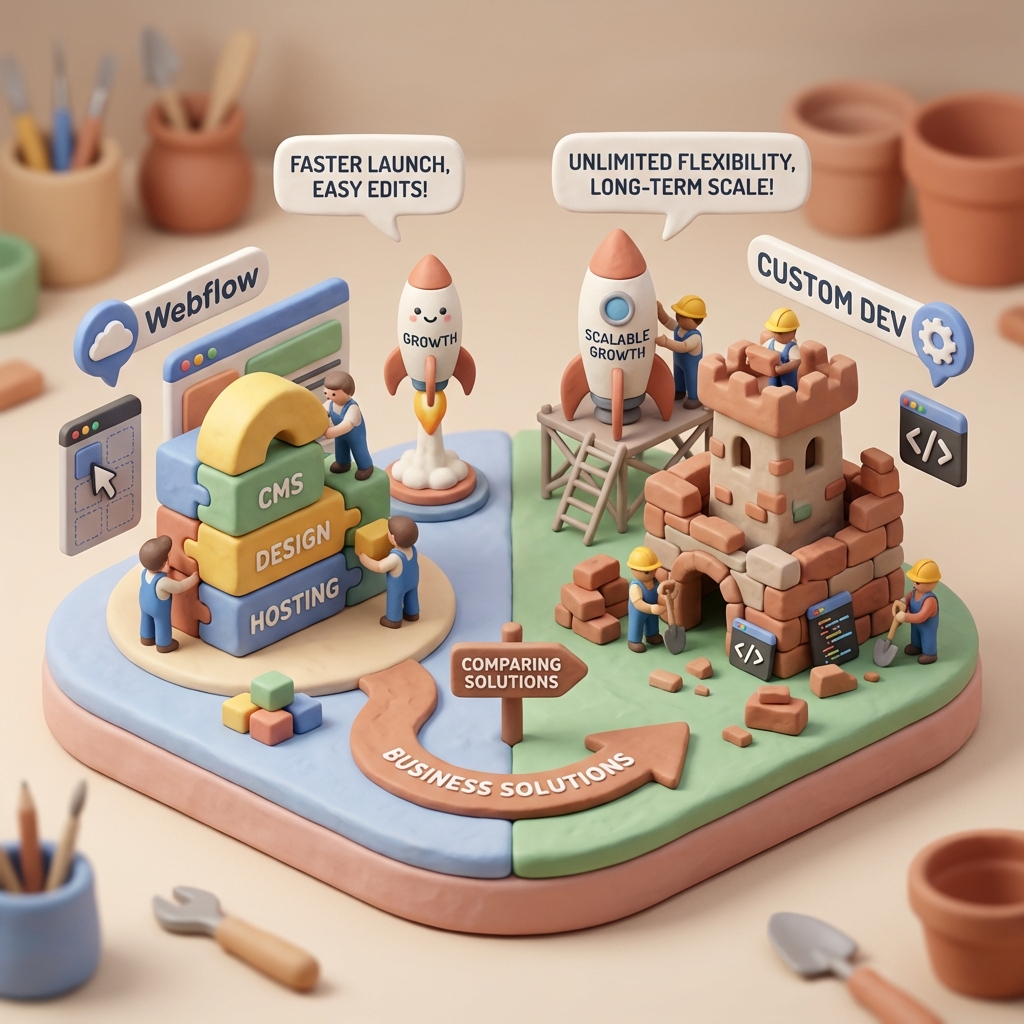
1. Comparison of Fundamental Concepts: What Are They Really?
To begin with, we must understand the philosophy driving each option. They are not simply two paths to the same destination; they are two completely different ways of building in the digital world.
Webflow: The Power of Professional No-Code
Webflow is not a simple «website builder» like Wix or Squarespace. It is a high-end visual (No-Code/Low-Code) development platform. Imagine that instead of writing lines of HTML, CSS and JavaScript code, you manipulate elements on a visual canvas that writes them for you, and does it with clean, semantic code.
- Visual Development: You build the structure (HTML), style (CSS) and animations (JavaScript) through an intuitive and powerful graphical interface.
- Integrated CMS: It offers an incredibly flexible Content Management System (CMS) for blogs, portfolios, teams, etc.
- Managed Hosting: It is responsible for hosting, security and speed through a global content delivery network (CDN) (AWS and Fastly).
Custom Web Development: Architecture from the Ground Up
Custom web development is exactly what the name implies: building a website from a blank page, writing every line of code. There are no predefined limits here. The development team has full control over every pixel and every function.
- Total freedom: A technology stack (set of technologies) specific to the needs of the project is used (e.g. React, Vue.js for the frontend; Python, Node.js, PHP for the backend).
- Unlimited functionality: It allows you to create complex business logic, custom API integrations, custom databases and any functionality you can imagine.
- Ownership of the Code: The source code is 100% yours. You are not dependent on the infrastructure or policies of a third-party platform.
Level of Customization and Flexibility: How Much Freedom Do You Need?
This is where the battle Webflow vs. custom web gets interesting. Both options promise customization, but the «how» and the «how far» are radically different.
Webflow's «Almost» Infinite Flexibility
Webflow breaks the chains of traditional templates. It gives you granular control over design that is unmatched in the No-Code space. You can control advanced CSS properties like Flexbox, Grid, filters, transformations and create complex interactions and animations without writing a line of JavaScript. The creative freedom is enormous and sufficient for 95% corporate websites, portfolios, blogs and e-commerce stores.
However, the key word is «almost». You are operating within the Webflow ecosystem. If you need very specific backend functionality that can't be achieved through integrations with tools like Zapier, Make or Wized, you'll start to feel its limits.
The Absolute Freedom of the Custom Code
With custom development, the only limitation is your imagination (and budget). Need a real-time 3D product configurator that connects to your inventory? No problem. An e-learning platform with progress tracking and customized gamification? No problem. A marketplace connecting thousands of users with variable commission logic? That's the natural terrain for custom development.
A interesting discussion on Reddit explores precisely this point: developers and agencies share specific cases in which they had to move from Webflow to a custom solution due to very specific functional requirements.
3. Scalability and Future Projects: Will Your Web Grow With You?
A website is not a snapshot; it is an asset that must evolve. The ability to scale is crucial to avoid having to rebuild everything in two years.
Can Webflow Scale? Yes, but with nuances
For most businesses, the answer is a resounding yes. Webflow's hosting is top-notch and can handle peak traffic without any problems. Their CMS is powerful and their E-commerce is more than enough for stores with hundreds of products. It is perfect for «ambitious projects» that are mainly content, marketing or direct sales.
The nuances appear in the technical limits of their plans:
- CMS limits: Webflow plans have a maximum number of items in the CMS (for example, 10,000 in the Business plan). For a blog with 20,000 items or a massive directory, this could be a problem.
- E-commerce limits: Similarly, there is a limit on the number of products.
- No Backend Access: You cannot directly access the database or execute server-side scripts. The scalability of the business logic depends on third-party services.
You can consult the specific limits in the Webflow pricing page.
Custom Development: Scalability by Design
This is where custom development shines. Whether your business model is a web application (SaaS), a social platform or a service that processes large volumes of data, scalability must be planned from day one. This involves:
- Microservices Architecture: Decompose the application into smaller, independent services that can scale separately.
- Optimized Databases: Choose and design the perfect database (SQL or NoSQL) for your data needs.
- Load Balancing: Distribute traffic among multiple servers to avoid bottlenecks.
A custom website is indispensable when the website itself *is* the product and its growth is directly proportional to the growth of users and data.
4. Development and Maintenance Process: Time, Equipment and Dependencies
The «how it is done» and «who maintains it» are decisive factors that directly impact your agility and operating costs.
Speed and Agility with Webflow
The Webflow process is incredibly agile. A single Webflow professional can go from design to a functional site in a fraction of the time it would take a traditional team. Design and development occur in the same place, eliminating friction between designers and developers.
Perhaps the biggest advantage is the maintenance and content management. Once launched, the client can use Webflow's «Editor», a simplified interface to update text, images and CMS content without the risk of «breaking» the design. This empowers marketing teams and reduces reliance on developers for minor changes.
The Tailored Development Marathon
Custom development is a sequential and multiphase process that requires a specialized team:
- UX/UI design: A designer creates the prototypes and visual design in tools such as Figma or Sketch.
- Frontend Development: A developer translates these designs into code (HTML, CSS, JavaScript).
- Backend Development: Another developer builds the server logic, database and APIs.
- Deployment and QA: A DevOps engineer or the team itself deploys the site to a server and extensive testing is performed.
This process is more time consuming and costly, but it is the price of total customization. As for the maintenance, the responsibility is 100% yours. This includes server updates, security patches, code dependency management and bug fixes. It often requires a maintenance contract with the agency or developer.
5. Cost and Return on Investment (ROI) Analysis
Finally, let's talk about money. The cost comparison between Webflow vs. custom web is not as simple as looking at the initial price.
Webflow Cost Structure
- Initial Investment: The cost of hiring a Webflow designer/developer. Generally significantly less than a full custom project because the process is faster and requires fewer profiles.
- Recurring Costs: A monthly or annual subscription to Webflow. It is a predictable cost that includes the site plan (hosting) and, optionally, a workspace plan.
Custom Web Cost Structure
- Initial Investment: Very senior. Must cover the hours of a multidisciplinary team (designer, frontend/backend developers, project manager) for weeks or months.
- Recurring Costs: They are more variable and fragmented. They include the cost of hosting (which can range from 20€/month to thousands, depending on the need), domain, CDN, software licenses and, crucially, a technical maintenance contract, which can be a considerable monthly cost.
Which one offers a better ROI?
The answer depends entirely on your objectives.
- Webflow ROI is exceptional for marketing websites, landing pages, corporate sites, MVPs (Minimum Viable Products) and businesses that need agility. It allows you to launch fast, iterate based on data and empower internal teams, generating value quickly.
- The ROI of a customized website is justified when the customized functionality creates a unique competitive advantage or when the web is the core of the business (SaaS, complex platforms). The high investment pays off because it enables a business model that would be impossible on another platform.
Conclusion: Webflow or Custom Web? The Final Decision
There is no universal winner in the race Webflow vs. custom web. The winner is the tool that best aligns with your project.
Choose Webflow if:
- You need a marketing, corporate website or an online store with high visual quality.
- Pitching speed and agility to make changes are your priorities.
- You want your marketing team to be able to manage content easily without relying on developers.
- Your initial budget is moderate and you prefer predictable recurring costs.
- You are launching an MVP and want to validate an idea quickly before investing in a custom solution.
Choose a Custom Web if:
- Your website IS the product (e.g. a SaaS application, a marketplace, a social network).
- You need very specific backend functionalities, complex business logic or integrations with proprietary systems.
- You anticipate a massive volume of data or users requiring a customized server architecture.
- You require full control and ownership over the source code and infrastructure.
- You have a large initial budget and resources for ongoing maintenance.
Frequently Asked Questions (FAQ)
Can I export the Webflow code and host it myself?
Yes, you can export the HTML, CSS and JavaScript code of your site in Webflow. However, you will lose all dynamic functionality: the CMS, E-commerce, Editor and forms will not work. It is only useful for static 100% sites or to hand over the code to a development team to integrate it into a custom backend.
Is Webflow good for SEO?
Absolutely. Webflow offers full control over all technical aspects of on-page SEO: title tags and meta descriptions, URL structures, `alt` tags for images, 301 redirects, automatic sitemaps and the ability to add Schema markup. Its clean code and fast hosting are also great SEO advantages.
When is custom development absolutely necessary?
It is indispensable when your main requirement cannot be satisfied by an API or a third-party service. Think about: proprietary algorithms, databases with very complex relationships, real-time interaction between thousands of users, or if you are subject to data sovereignty regulations that require you to host everything on a specific server in your country.
Do you need help with this?
We design websites that are built to turn visitors into customers—not just to look good. Discover our strategic web design service.


