
In the web design universe, choosing the right tool is one of the most critical decisions you can make. Two giants dominating the conversation are Webflow and Elementor. At first glance, they seem to offer the same thing: a visual way to build stunning websites without writing code. But beneath the surface, they are fundamentally different beasts. The wrong choice can lead to frustration, unexpected costs and poor performance. This definitive guide will break down the **Webflow vs Elementor** battle, analyzing each angle so you can make an informed decision, whether you're a freelance designer, an agency, or a business owner looking to create your own online presence.
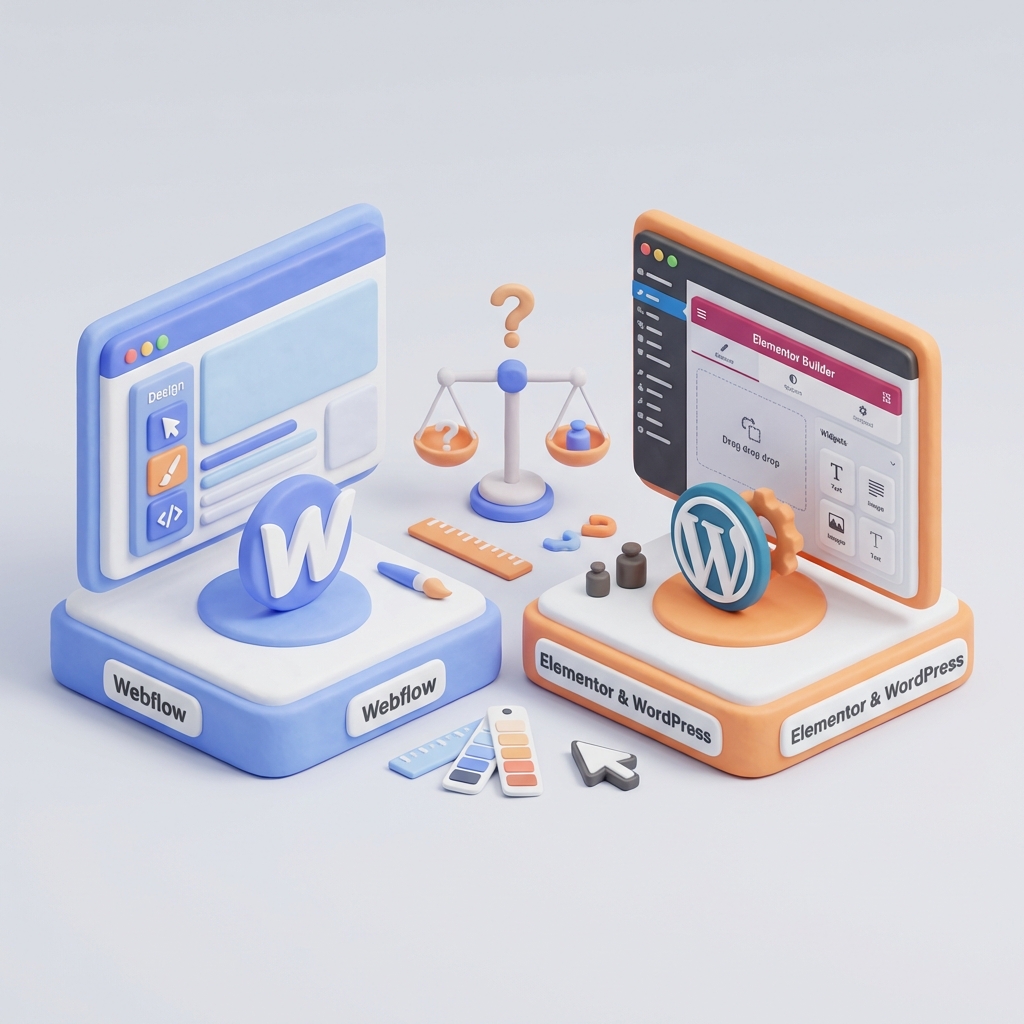
Key Point 1: Fundamental Architecture Analysis: All-in-One Platform vs. WordPress Plugin
The most important difference between Webflow and Elementor is not in their interfaces, but in their DNA. Understanding this is the first step to making the right choice.
Webflow: The All-in-One Approach (SaaS)
Webflow is a Software as a Service (SaaS) platform. This means it is a closed, managed ecosystem that provides you with everything you need to build, launch and host a website in one place. When you pay for Webflow, you don't just get a visual builder; you also get:
- High Performance Hosting: Hosting managed and distributed through a global CDN (Fastly), which guarantees fast loading speeds worldwide.
- Integrated Security: Webflow takes care of server security, patches and provides you with a free SSL certificate.
- Zero Maintenance: No need to worry about plugin, theme or core updates. Everything is managed by Webflow.
- Centralized Support: If something goes wrong, you have a single point of contact for help.
Good Practice: Webflow's SaaS model is ideal for agencies and freelancers delivering sites to clients. It drastically reduces the long-term maintenance burden and security concerns, allowing you to offer a turnkey product.
Elementor: The Heart of your WordPress Ecosystem
Elementor, on the other hand, is not a standalone platform. It is a plugin that is installed on top of an existing content management system (CMS): WordPress.org (the self-hosted version). This means that you have control and responsibility for all the moving parts.
- Total Control: You choose your hosting provider, your theme, and each of the plugins you want to install. You have complete ownership of your data and files.
- Unlimited flexibility: You have access to the vast ecosystem of over 50,000 WordPress plugins to add any functionality imaginable, from forums to complex social networks.
- Responsibility Curve: This control comes with the responsibility of managing hosting, security (malware, firewalls), backups, and updates to the WordPress core, theme and all plugins.
Critical Note: The main disadvantage of the Elementor architecture is the «maintenance overhead». A WordPress site with multiple plugins can become slow and vulnerable if not actively managed. Conflicts between plugins are a common source of problems. Discussions on forums such as Reddit often highlight this as the biggest frustration of WordPress users.
Key Point 2: Comparison of Design Flexibility and Customization Limits
This is where the user experience differs drastically. Both tools are powerful, but appeal to different design mindsets.
Webflow: The Power of Visual Code
Using Webflow feels like writing HTML and CSS code, but through a visual interface. It is based on the fundamental principles of web development:
- The Box Model: You control each element through its padding, margin, border, and position, just as you would with CSS.
- Reusable Classes: You create classes and apply them to multiple elements. If you change the style of the class, all elements that use it are updated. This promotes consistent design and clean code.
- Advanced Interactions and Animations: Webflow's industry-leading interaction panel allows you to create complex animations based on scroll, mouse movement and other triggers without writing JavaScript.
The learning curve is steeper, but the skill ceiling is incredibly high. It's a tool for designers who want granular control and a professional, polished end result. To master it, the most valuable resource is undoubtedly the Webflow University.
Elementor: Intuitive Drag-and-Drop Design
Elementor takes a more direct and accessible approach. Its interface is based on dragging and dropping widgets (content blocks such as text, images, buttons) into predefined sections and columns.
- Widgets and Templates Library: Elementor (especially the Pro version) comes with a huge library of ready-to-use widgets and page/block templates, which greatly speeds up the building process.
- Element Level Style: Styling is mainly applied to individual elements, which is very intuitive for beginners but can lead to inconsistencies if not managed with the «Global Styles».
- Immediate ease of use: An absolute beginner can start building a visually appealing page in a matter of minutes.
Warning: The ease of Elementor can be a double-edged sword. It is easy to create what is known as «div-ception» or excessive nesting of containers, resulting in bloated code (bloat) that can negatively affect performance and maintainability.
Key Point 3: Breakdown of Pricing Structure and Total Cost of Ownership
Price is often a decisive factor. Let's look at not only the initial cost, but the total cost of ownership (TCO) over time.
Webflow Pricing Structure
Webflow pricing can be confusing at first because it is divided into two categories:
- Site Plans: They are mandatory to host a website with a custom domain. They cover hosting, CDN, SSL and maintenance. Prices vary depending on whether you need CMS (blog, portfolio) or eCommerce functionality. A typical CMS plan costs around $29/month.
- Workspaces: They are for freelancers and agencies that need to build multiple projects, collaborate in teams or export code. You can start with a free plan to build your sites.
The Total Cost of Ownership at Webflow is very predictable. The price of the site plan is, for the most part, all you will pay. See the Webflow official pricing page for updated details.
Elementor Pricing Structure
Elementor seems cheaper at first glance. The base plugin is free, and Elementor Pro has an annual subscription (about $59/year for a site). However, the TCO is much more variable.
You must add the costs of:
- Elementor Pro: Annual subscription.
- Hosting for WordPress: A good managed WordPress hosting can cost between $15 and $30 per month.
- Domain: About $15-$20 per year.
- Premium Theme (Optional): Often you need a lightweight, optimized theme for Elementor, which can cost $50-$70 (one-time or annual payment).
- Additional Premium Plugins: For security (Sucuri), advanced SEO (Yoast Pro), backups (UpdraftPlus Premium), etc. These costs can add up quickly.
Warning: Elementor's model can lead to «hidden» costs or costs not initially considered. A site that starts with an annual cost of $59 may end up costing more than $300-$400 per year once quality hosting and essential plugins are included.
Key Point 4: Assessment of Learning Curve and Ease of Use
How quickly can you go from zero to a published website?
Learning Webflow: The Professional's Curve
Webflow has a steep learning curve. It is not a tool that you will master in an afternoon. It requires understanding web design concepts such as the box model, relative/absolute positioning and class structure. The perfect analogy is learning Photoshop (Webflow) vs. Canva (Elementor). The initial effort is greater, but the control you get is unmatched. Once you get over the initial curve, your workflow becomes incredibly fast and efficient.
Learning Elementor: Immediate Accessibility
Elementor is much easier for a beginner. Its drag-and-drop approach to widgets is intuitive and instantly rewarding. Anyone can start moving elements around and see immediate results. The real challenge with Elementor is not learning how to use the tool, but learning how to design well with it: maintaining consistency, avoiding clutter, and building pages that are both aesthetically pleasing and functional.
Key Point 5: Impact on Performance, SEO and Long-term Maintenance
A website is not just about its appearance. Its performance, search engine visibility and maintainability are crucial to its long-term success.
Performance and Loading Speed
Webflow generally wins in this category. It produces very clean and semantic code. Combined with its optimized hosting infrastructure and global CDN, Webflow sites tend to be extremely fast out of the box.
The performance of Elementor is a variable. It can be very fast if combined with high-quality hosting, a lightweight theme like Hello Elementor, and minimal use of other plugins. However, in a shared hosting environment and with many plugins installed, it is common for Elementor sites to suffer from slower load times due to heavier code and multiple requests to the server.
Search Engine Optimization (SEO)
Both Webflow and Elementor offer excellent SEO capabilities.
- Webflow: It provides built-in granular controls for titles, meta descriptions, alt tags, canonical URLs, 301 redirects and automatically generates a sitemap.xml. The cleanliness of your code is a plus for Google crawling.
- Elementor: It integrates seamlessly with the best SEO plugins for WordPress, such as Yoast SEO or Rank Math, which offer in-depth guidance and analysis. You have the same level of control, but through a third-party plugin.
In the battle of **Webflow vs Elementor** for SEO, it's practically a draw. The deciding factor will be content quality and backlink strategy, not the platform itself. However, Webflow's performance advantage may translate into a slight SEO advantage, as page speed is a ranking factor.
Long Term Maintenance
Here the difference is abysmal.
Webflow: Maintenance is almost zero. Webflow takes care of everything on the backend. Your only task is to update the site content.
Elementor: It requires constant and proactive maintenance. You are responsible for updating WordPress, your theme, Elementor and all other plugins. You must perform regular backups and keep an eye out for security vulnerabilities. This is a significant time commitment that should not be underestimated.
Critical Note: Ignoring maintenance on a WordPress/Elementor site is a recipe for disaster. Outdated sites are prime targets for hackers. If you are not prepared for this liability, Webflow is a much safer alternative.
Quick Comparison Chart: Webflow vs Elementor
- Architecture: Webflow (SaaS All-in-one) vs. Elementor (WordPress Plugin).
- Ideal User: Webflow (Designers, agencies) vs. Elementor (Beginners, DIYers, WordPress lovers).
- Learning Curve: Webflow (High) vs. Elementor (Low).
- Design Flexibility: Webflow (Full control at the visual code level) vs. Elementor (Fast, widget-based).
- Performance (Out-of-the-box): Webflow (Excellent) vs. Elementor (Variable, depends on configuration).
- Maintenance: Webflow (Almost null) vs. Elementor (Constant and necessary).
- Price: Webflow (Predictable, all-inclusive) vs. Elementor (Variable, multiple separate costs).
Conclusion: Which Tool Should You Choose?
There is no universal winner in the **Webflow vs Elementor** debate. The «best» builder is the one that best suits your needs, skills and the specific project.
Choose Webflow if...
- You are a designer or developer who values total control over the design and production of clean code.
- You prioritize maximum performance, safety and minimum maintenance.
- You build sites for customers and want to deliver a product that is easy for them to manage.
- You are willing to invest time in learning a professional tool to improve your skills and efficiency in the long run.
Choose Elementor if...
- You're already committed to the WordPress ecosystem and love its flexibility.
- You need a very specific functionality that is only available through a WordPress plugin.
- Your initial budget is the main priority and you are willing to look for a cheap hosting.
- You are a beginner or business owner who needs to get a website up and running quickly without a technical learning curve.
- You don't mind the responsibility of ongoing technical maintenance.
Ultimately, the choice between Webflow and Elementor comes down to a philosophy: do you prefer the simplicity, security and performance of a walled and curated garden, or the freedom, extensibility and accountability of an open universe? Answer that question and you've found your ideal tool.
Do you need help with this?
We design websites that are built to turn visitors into customers—not just to look good. Discover our strategic web design service.


