
In the competitive world of web development, choosing the right platform is one of the most crucial decisions for the success of a project. Two of the most resonant names today are WordPress and Webflow. While Webflow has gained popularity for its visual and design approach, WordPress remains the undisputed market leader. If you find yourself at this crossroads, this in-depth analysis will show you the compelling advantages of WordPress over Webflow, helping you understand why it remains the preferred choice for millions of websites worldwide.
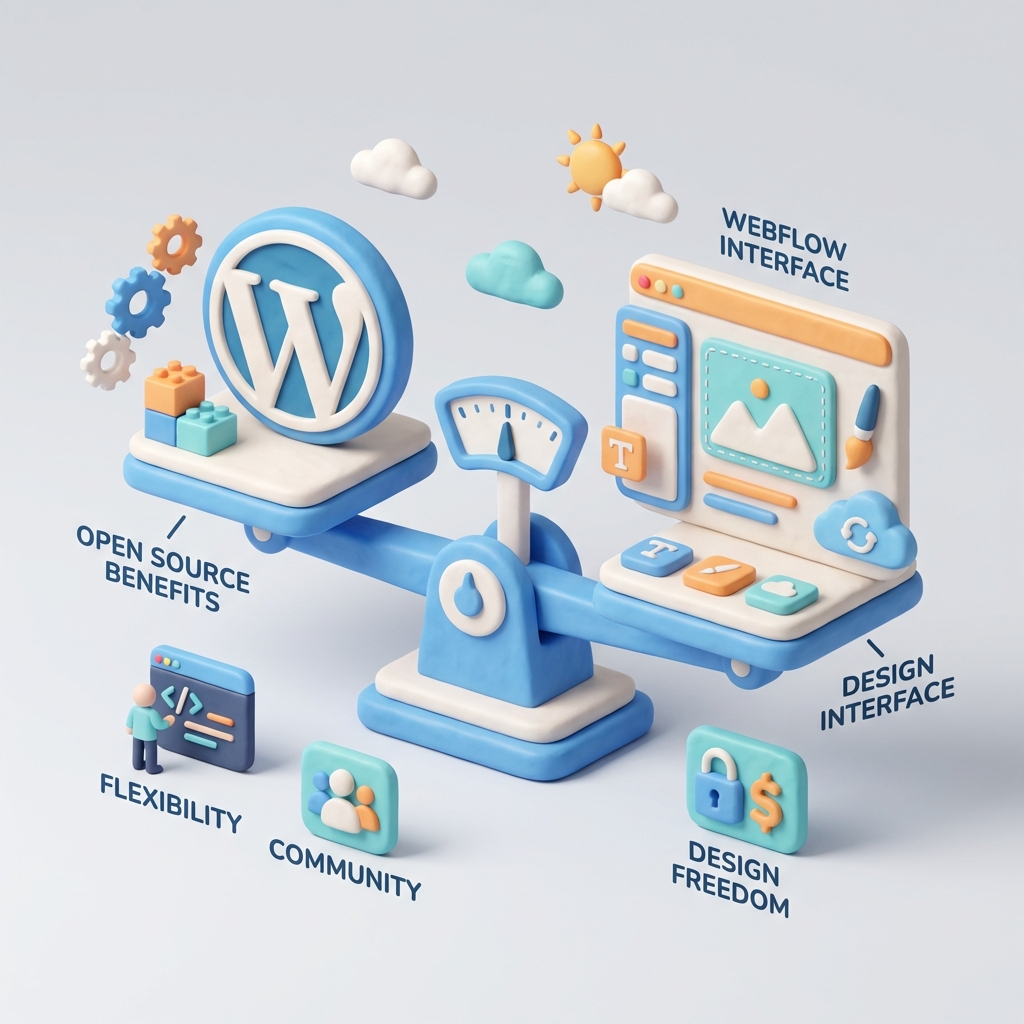
What is WordPress and what is Webflow? A Quick Overview
Before diving into the comparison, it is essential to understand the nature of each platform.
- WordPress: It is an open-source content management system (CMS). It was born in 2003 as a blogging platform and has evolved into an incredibly versatile tool capable of creating any type of website, from complex online stores to portfolios and corporate sites. Its main feature is the flexibility and total control it offers to the user.
- Webflow: It is a visual web development platform, which operates under a software as a service (SaaS) model. It allows designers to create responsive websites without writing code, through a very powerful visual interface. It focuses on design and offers an all-in-one solution that includes hosting, security and maintenance.
Both are powerful tools, but their philosophies and business models are radically different. This difference is at the root of the main advantages of WordPress.
Key Point
The fundamental difference lies in ownership and control: with WordPress, you own your site and your code; with Webflow, you use a proprietary tool and your site lives within its closed ecosystem.
In-Depth Analysis: The 5 Key Advantages of WordPress over Webflow
Based on expert analysis and the experience of millions of users, we have distilled the most significant advantages WordPress offers.
1. Total Freedom: The Magic of Open Source
This is undoubtedly the most important advantage. WordPress is free software. As highlighted by the renowned hosting company Webempresa in its comparative, this means that you have full control over source code. You can download it, modify it, distribute it and adapt it to your needs without any restriction.
What does this mean in practice?
- No vendor lock-in (No Vendor Lock-in): With WordPress, you are not tied to a single company. If you're unhappy with your hosting provider, you can migrate your entire website to any other hosting in the world with a couple of clicks. At Webflow, your site is intrinsically tied to your platform and pricing plans.
- Unlimited customization: Need extremely specific functionality for your business? With WordPress, a developer can modify the core, create a custom plugin or integrate any third-party API without the limitations of a closed platform.
- Real ownership of your assets: Your website, with all its databases, files and content, belongs to you at 100%. You are free to do whatever you want with it.
2. An Ecosystem Without Rival: The Community and Infinite Resources
WordPress is not just a software; it's a global movement. Behind the platform is a huge developer community that is constantly working to improve it. This massive ecosystem translates into direct benefits for the user.
- Plugins for everything: Need to optimize your SEO, add a contact form, create an online store, improve security or integrate social networks? There's a plugin for that. The official WordPress repository has over 60,000 free plugins, not counting the thousands of premium plugins available. Webflow, although it has integrations, cannot compete with this magnitude.
- Themes for each niche: Similarly, the WordPress theme directory and marketplaces like ThemeForest offer thousands of ready-to-use and customizable designs tailored to any industry or style.
- Unlimited support and knowledge: If you have a problem, it is almost certain that someone has already had it and solved it. There are countless forums, YouTube tutorials, specialized blogs and courses. Finding an expert WordPress developer or agency is easy and affordable due to the high supply.
A Warning about Plugins
Although the abundance of plugins is an advantage, it also requires responsibility. It is crucial to use only well-coded, up-to-date plugins from reliable sources to avoid security and performance issues.
3. King of Content: A CMS Designed for Growth
WordPress is defined, first and foremost, as a Robust CMS (Content Management System). Its architecture is designed to «create, organize, publish or delete content in a simple and dynamic way», as it is explained at this analysis of Webflow vs WordPress. While Webflow excels in static page design, WordPress shines in dynamic content management.
This is vital for:
- Blogs and news sites: The management of posts, categories, tags, authors and comments is native and intuitive in WordPress.
- Large-scale e-commerce: With the plugin WooCommerce, WordPress becomes the world's most popular e-commerce platform, capable of managing thousands of products, orders and payment integrations.
- Multilingual sites: Plugins such as WPML or Polylang allow you to manage translations efficiently, something more complex and costly in Webflow.
- User management: WordPress has a built-in roles and permissions system, ideal for sites with multiple contributors, editors or subscribers.
4. Maturity and Market Leadership: The Confidence of More than 40% of the Web
With more than a decade of development, WordPress has reached a level of maturity and stability that gives it unmatched confidence. According to data from W3Techs, WordPress powers over 43% of all websites on the Internet. This market dominance is no accident.
This massive popularity guarantees:
- Long-term viability: WordPress is not going to disappear. Investing time and resources in this platform is a safe bet.
- Universal compatibility: Virtually any third-party tool, service or API you can think of has an integration designed for WordPress.
- Lower costs: The huge competition in the ecosystem (hosting, developers, agencies) makes prices generally lower and more accessible than in smaller niches such as Webflow.
5. Web Democratization: Creating Complex Sites Without Being a Programmer
Although Webflow is sold as a visual tool, WordPress has democratized web creation on a much larger scale. Thanks to Page Builders such as Elementor, With the help of Divi, Divi or Beaver Builder, non-code savvy users can design complex pages with drag-and-drop functionality.
The combination of a quality base theme and a page builder offers a perfect balance: the ease of visual design over the robust and scalable structure of the WordPress CMS. This allows «not so expert» users to create a complete website in a simple way, while maintaining the ability to add complex functionality through plugins when needed.
Not Everything is Black and White: When Might Webflow be a Better Choice?
To provide a balanced perspective, it is only fair to acknowledge Webflow's strengths. As pointed out by several comparative analyses, Webflow can be superior in certain very specific scenarios.
- Designers who prioritize absolute visual control: The Webflow interface is a paradise for designers who want to control every pixel and animation without touching code, producing very clean front-end code.
- Small and very visual projects: For a portfolio, landing page or simple corporate site where design is king and content does not change frequently, Webflow is a fast and efficient option.
- Users who don't want to deal with hosting or maintenance: Webflow offers an all-in-one solution where hosting, security and updates are managed by them, which may be attractive to those looking for maximum simplicity, at the cost of flexibility and a higher price.
The Cost of Convenience
Webflow's simplicity comes at a price. Their plans can be significantly more expensive than a shared hosting or VPS solution for WordPress, especially as the site grows in traffic or functionality (e-commerce, memberships, etc.).
Quick Comparison Chart: WordPress vs. Webflow
| Feature | WordPress | Webflow |
|---|---|---|
| Nature | Open Source (Free Software) | Proprietary (SaaS) |
| Flexibility and Customization | Unlimited | High, but limited by the platform |
| Plugins/Extensions Ecosystem | Gigantic (+60,000 free) | Limited to approved integrations |
| Content Management System (CMS) | Excellent, ideal for blogs and dynamic sites | Good, but more design-oriented |
| Hosting | Free choice of any supplier | Mandatory on the Webflow platform |
| Total Cost of Ownership | Generally lower and scalable | Higher, especially for complex sites |
| Learning Curve | Low for users, medium for customization | Medium-high to master the designer |
| Ideal for... | Almost any project: blogs, e-commerce, corporate, directories, etc. | Portfolios, landing pages, sites with a high focus on design and little dynamic content. |
Conclusion: Why are the advantages of WordPress over Webflow decisive?
At the end of the day, the choice between WordPress and Webflow depends on your priorities: Do you prefer the convenience of a walled garden or the freedom of an open universe?
Webflow is an exceptional design tool, but it is just that: a tool within a closed ecosystem. The advantages of WordPress over Webflow lie in its fundamental open source philosophy. This freedom gives you unprecedented control, unlimited growth potential and the security of being the true owner of your digital asset.
For the vast majority of projects, from a personal blog to a complex online store or news portal, WordPress' scalability, immense support ecosystem and content management capabilities make it not only the safest and most powerful option, but also the smartest in the long run.
Do you need help with this?
We design websites that are built to turn visitors into customers—not just to look good. Discover our strategic web design service.


