
You have been told to install a cache plugin. To optimize the images. Deactivate the plugins you don't use. You've done it all. And your WooCommerce is still slow. You've been trying solutions you find on blogs, forums and YouTube videos for months, but the problem persists. Each patch improves half a second that is then lost with the next update or the next plugin you need to install.
I've been developing on WordPress and WooCommerce with PHP and Vue.js for over a decade, and I can tell you something that almost nobody tells you openly: there is a point where optimization plugins stop working because the real problem is in the architecture of your store.. Not in the configuration. Not in the hosting. In the very way your project is built. And that's the moment when you need a radical change of approach.
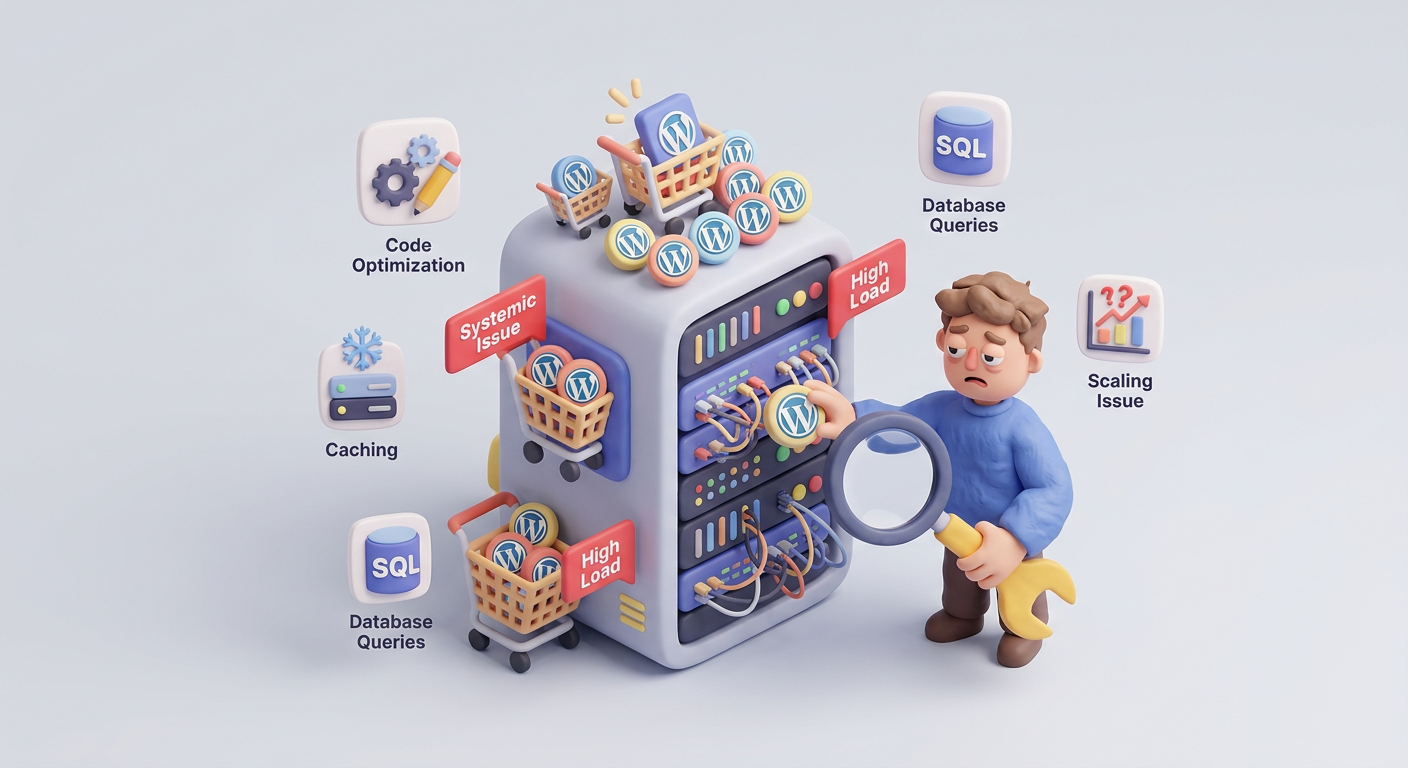
WooCommerce is not slow: what surrounds it is.
Before we get to the bottom, let's be clear about something important. WooCommerce as a base system is not slow. It is a platform that moves more than 36% of the world's online stores. The problem, as those who work with it on a daily basis point out, is everything you put on top of it: multipurpose themes that load dozens of unnecessary scripts, plugins that add database queries on every page load, unoptimized images and shared hosting that choke with 50 simultaneous visits.
A case I constantly see in forums such as r/woocommerce on RedditA store owner who had his site loading in 6 seconds spent weeks testing caching plugins and CDNs to no avail. The real solution was to deactivate three «nice to have» marketing plugins. Speed jumped to 2.8 seconds instantly. But beware: that solution has a ceiling. What happens when you really need those features?
The repeating pattern: you optimize, improve for a couple of seconds, add something the business needs, go back to square one. It's a cycle that is not broken with more optimization plugins. It's broken by a change of architecture.
The optimizations you should do first
Before we talk about architecture, let's be fair. There is a list of basic optimizations that every WooCommerce store should have solved. If you haven't applied them yet, start here because they can solve most of the problems of a WooCommerce store. WooCommerce very slow:
- Adequate hosting: specialized hosting for WooCommerce with NVMe disks, PHP 8.x, at least 256 MB of PHP memory and support for Redis or Object Cache. Cheap shared hosting is the first cause of slowness I find in audits.
- Correctly configured cache: and this in WooCommerce is not trivial. You have to exclude dynamic pages (cart, checkout, my account) and manage the AJAX snippets of the cart. A bad configuration can show data from other users.
- Optimized images: WebP/AVIF conversion, resizing to actual size and lazy loading. A category page with 20 products at 500 KB per image is 10 MB in photos alone.
- Plugin cleaning: disable everything that is not strictly necessary. Each plugin adds CSS, JS and queries to the database.
- Database maintained: cleaning of revisions, expired transients, orphaned tables and reduction of autoloaded options in
wp_options. - Disable unnecessary WooCommerce functions: geolocation, inventory management if you don't use it, coupons if you don't offer them. Each active function consumes resources.
Quick test: open Google PageSpeed Insights and analyze your store in mobile mode. If after applying all the above optimizations you are still below 60 points, your problem is probably not a configuration problem but an architectural problem.
Why is my WordPress slow? The point where plugins fall short
This is the question I get the most, and the answer that almost no one gives: because there is a limit to what you can optimize when the base architecture is not designed for your use case. WordPress is a generalist CMS. WooCommerce turns it into ecommerce. But it's still a system meant to be flexible and extensible, not necessarily the most efficient for every scenario.
These are the clear symptoms that your problem is architectural and not a configuration problem:
1. Out of control database queries
WooCommerce stores product and order data using the WordPress meta system: table. wp_postmeta with key-value pairs. This is flexible, but extremely inefficient when you have thousands of products with dozens of attributes each. A filtering query by price and attribute that in a well-designed relational database would take 5 milliseconds can take 500 ms or more in wp_postmeta with 100,000 records.
Diagnosis: install Query Monitor and browse your store. If you see more than 100 queries per page, cumulative query times exceeding 1 second, or individual queries exceeding 100 ms, your database is suffering from a structural problem that no cache plugin can solve at the root.
2. The WooCommerce admin is unusable.
The order list takes 10 seconds to load. Editing a product is an exercise in patience. The WooCommerce dashboard goes blank for seconds. This happens because the admin panel cannot be cached: each request is dynamic, authenticated and customized. There is no shortcut possible with plugins here. If your catalog exceeds 5,000 products or you have more than 50,000 cumulative orders, the admin is going to suffer with the standard architecture.
3. Traffic peaks knock down the store
You launch a Black Friday campaign. You send a newsletter to 20,000 subscribers. You publish a viral ad. And the store crashes. Not for lack of hosting, but because WooCommerce runs PHP on every request, queries the database, assembles the HTML and serves it. With 200 simultaneous users, even a good dedicated server can choke if there is no architectural layer to manage the load.
4. Critical functionalities depend on plugins that are stepping on each other.
You have one plugin for product filters, one for advanced variations, one for volume pricing, one for subscriptions. Each injects its own JavaScript, its own queries and its own hooks. I've audited stores where five plugins of commercial functionality added up to more than 2 seconds of load time between them. And you can't disable any of them because the business needs them.
Here is the key: When the slowness comes from functionalities that your business needs and you can't just «deactivate plugins», the problem is no longer solved with optimization. It is solved with development.
When the problem is no longer a plugin problem but an architecture problem
This is the section that should exist in all articles about WooCommerce performance and that you almost never find. Because the awkward answer is: sometimes you need to rewrite parts of your store. Not to change plugins. Not change hosting. Change the way your store works on the inside.
These are the scenarios where a custom development outperforms any optimization plugin:
Custom queries instead of wp_postmeta
If your catalog exceeds 2,000-3,000 products with complex attributes, it makes sense to create custom tables in the database with specific indexes for your filters and searches. WooCommerce has been migrating to dedicated tables for orders (HPOS) for years. The same logic applies for products: a well-indexed relational table can be 10x-50x faster than queries on wp_postmeta.
Headless API for the frontend
Separating the frontend from the backend is one of the most impactful architectural decisions for performance. Instead of WordPress generating every page with PHP, you can build a frontend with Vue.js or React that consumes data from WooCommerce via its REST API or GraphQL. The result: pages that load in less than 1 second, instant navigation between products, and a user experience that no WordPress theme can match.
Business logic as own plugin
Instead of stacking five plugins on top of each other for volume pricing, conditional discounts and complex variations, a custom plugin that consolidates all that logic into a single point eliminates redundancies, reduces queries and gives you total control. I have developed proprietary plugins for clients that replaced 4 or 5 commercial plugins, and the performance improvement was brutal: from 180 queries per page to 40, from 4.5 seconds to 1.2 seconds.
Intelligent caching at application level
Go beyond the standard page cache. Implement selective object cache with Redis for the heaviest queries, fragment cache for dynamic blocks that do not change every second, and automatic warming cache so that the first visit to each page is as fast as the following ones. This is not solved by any generic plugin because it requires knowing your business logic.
Practical rule: if you have invested more than 200 euros in optimization plugins and more than 40 hours trying to make your WooCommerce go fast with no lasting results, the return on investment of a custom development is significantly better than continuing to accumulate patches.
The ultimate sign: you are optimizing in circles
If you have been in a cycle of «optimize, improve, add something, slow down again» for months, you have a structural problem. It's like trying to make a 20-year-old car perform like a new one by changing parts one by one. At some point, what you need is not another replacement part but a new engine.
I have worked with stores that had been in this cycle for years. Spending 100-200 euros a month on premium optimization plugins, paying more and more expensive hosting, and spending hours of work looking for «the plugin that finally solves it». The reality is that this plugin does not exist when the problem is architectural.
Concrete indicators that you are at this point:
- You have changed hosting 2 or more times looking for speed.
- You have 3 or more plugins dedicated only to optimization and caching.
- Every time you add a necessary functionality, the speed drops.
- The administration panel is slow even though the front end is cached.
- Your developers tell you that «WooCommerce has that limit» and no more can be done.
- You bill enough that every second of slowness costs you measurable sales.
The real cost: A WooCommerce store that invoices 15,000 euros per month and loses 20% of conversions due to slowness is losing 3,000 euros per month. In a year, that's 36,000 euros. A custom development that solves the root problem can cost a fraction of that and pay for itself in weeks.
What a WooCommerce architecture change entails
I'm not talking about redoing your store from scratch. A change of architecture can be surgical, attacking only the points that generate the bottleneck. These are the most common interventions I perform:
- Migration to HPOS (High-Performance Order Storage): WooCommerce already offers dedicated tables for orders. If you haven't migrated yet, it's the first step and can drastically improve admin performance.
- Customized tables for product data: when your catalog filters and searches need real speed.
- Custom plugins that replace redundant plugins: consolidating the logic into a single optimized point.
- Partial decoupling of the frontend: using Vue.js for the most critical sections (catalog, filters, cart) while the rest remains standard WordPress.
- Implementation of queues for heavy processes: that emails, stock updates and synchronizations with ERPs do not block the user experience.
- Strategic object cache: with Redis or Memcached, caching exactly what each section of your store needs.
Conclusion: knowing when to stop patching and start building
Optimizing WooCommerce with plugins works. Up to a point. If your store is small, with a modest catalog and moderate traffic, standard optimizations are sufficient and you should apply all of them. But if your business has grown, if your catalog has expanded, if your traffic has increased and the functionalities you need are more and more complex, there comes a time when the standard architecture falls short.
Recognizing that moment is crucial. Because continuing to invest in patches when what you need is a structural change is throwing money and time away. And what's worse: it's losing sales every day while looking for a solution that doesn't exist in plugin format.
If your WooCommerce is still slow after you've tried everything, it's probably not that you've done something wrong. It's that you've reached the limit of what the standard architecture can offer for your case. And that's not a failure, it's a sign that your business has grown beyond generic solutions.
I can analyze your store, identify if the bottleneck is configuration or architectural, and propose a concrete technical solution with a measurable impact on performance and turnover.
Do you need help with this?
We build and optimize WooCommerce stores that are ready to scale without sacrificing speed. Discover our Scalable WooCommerce development service.


